Wando Pro
The complete AI image studio for professional work
Wando Pro is the complete edition of Wando, the local-first desktop AI image studio for Mac and Windows. It includes everything in Wando Express, plus 11 AI providers, 80+ models, Multi-Edit, Advanced Edit, AI text assist and private on-device AI tools.
One-time purchase
14-day money-back guarantee
Mac and Windows
11
AI providers, seven of them Pro-only
80+
image models across providers
21
on-device AI models for editing
26
Pro-only tools and providers
What Pro adds
Built for high-volume, high-detail image work
Wando Express covers the essentials. Pro removes the limits: more providers and models, deeper editing, and private AI that runs on your own computer.
Top providers
Add Microsoft Foundry, Recraft, Luma Labs, Leonardo.ai, Ideogram, Google Vertex AI and Meta, plus the full Kie.ai, OpenAI, Bria and Google AI Studio catalogs.
Multi-Edit and Multi-Gen
Send one prompt or one image to several models at once and compare every result side by side.
Advanced Edit
Edit very large images one tile at a time, so detailed changes stay sharp at full resolution.
On-device AI
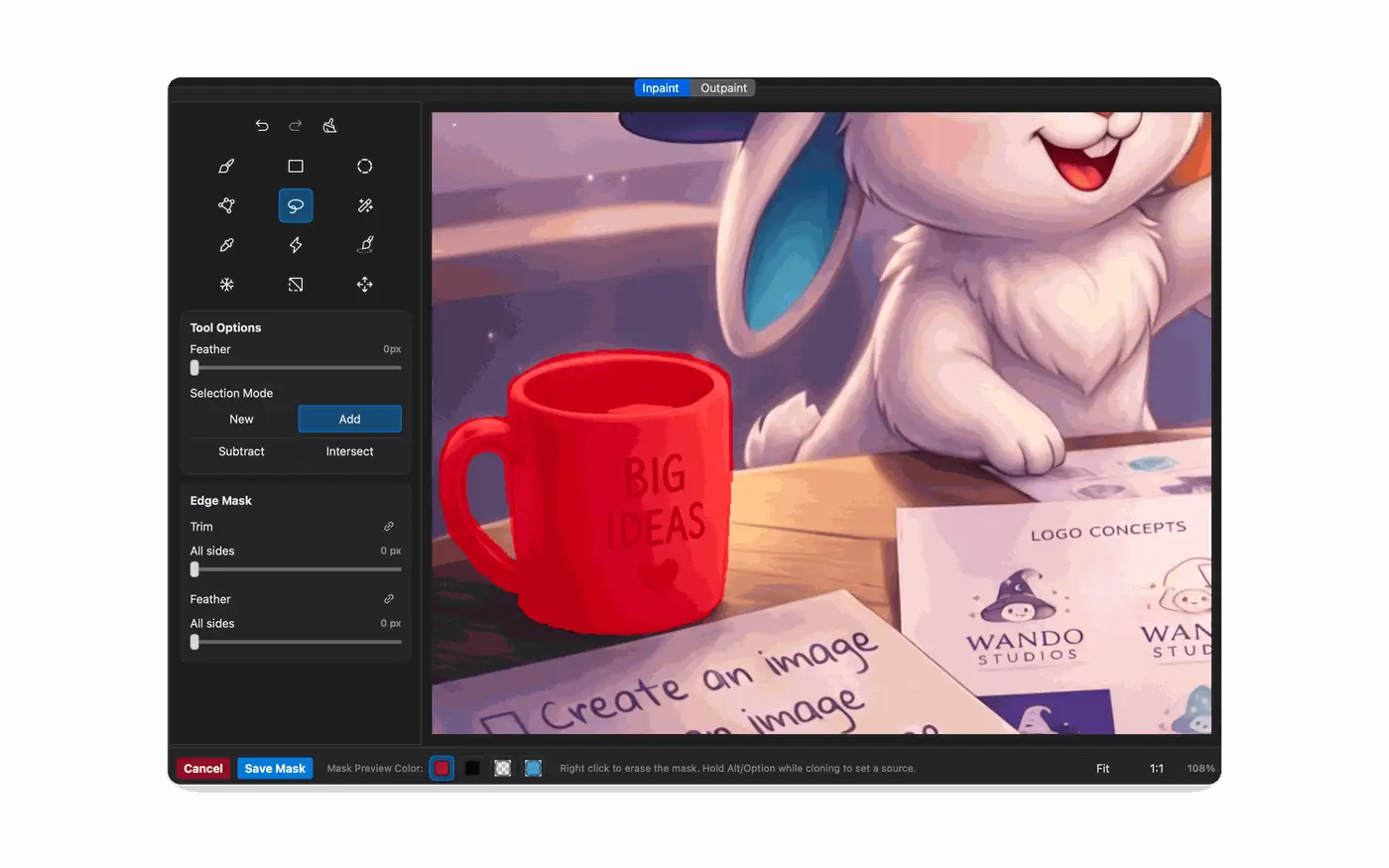
Remove backgrounds and objects, make AI-assisted selections, denoise and upscale with 21 local models that run on your own computer.
AI text assist
Describe a flyer, ad or banner and get real, editable text layers in the fonts you choose.
Layers and Liquefy
Split a flat image into editable layers with cloud AI, and reshape details with the Liquefy tool.

Pro-only providers
Many leading image models, one workspace
Switch providers from one menu and keep every result in the same gallery. Pro adds seven providers that Express doesn't include and unlocks the complete model catalog for the four it does.
Microsoft Foundry, Recraft, Luma Labs, Leonardo.ai, Ideogram, Google Vertex AI and Meta
All 34 Kie.ai image models, plus the full OpenAI, Bria and Google AI Studio lineups
Bring your own API keys and pay providers directly for what you use
Multi-Gen and Multi-Edit
One request, many models, side by side
Stop re-running the same job model by model. Choose your models once, send one prompt or one edit, and review every result together before you pick a favorite.
Dedicated Multi-Gen for new images and Multi-Edit for existing ones
Save provider sets and reload them in one click
Per-model settings for aspect ratio and quality
Made with Wando Pro
From rough sketch to finished artwork
Combine Multi-Edit, Advanced Edit and the reference tools to take an idea from pencil lines to a polished piece, in the style you choose.
Refine and finish sketches
Clean up loose line work, then carry it all the way through to a fully painted scene.
Render concepts with full control
Turn a character sketch into a finished render that keeps your proportions and details.
Find your art style
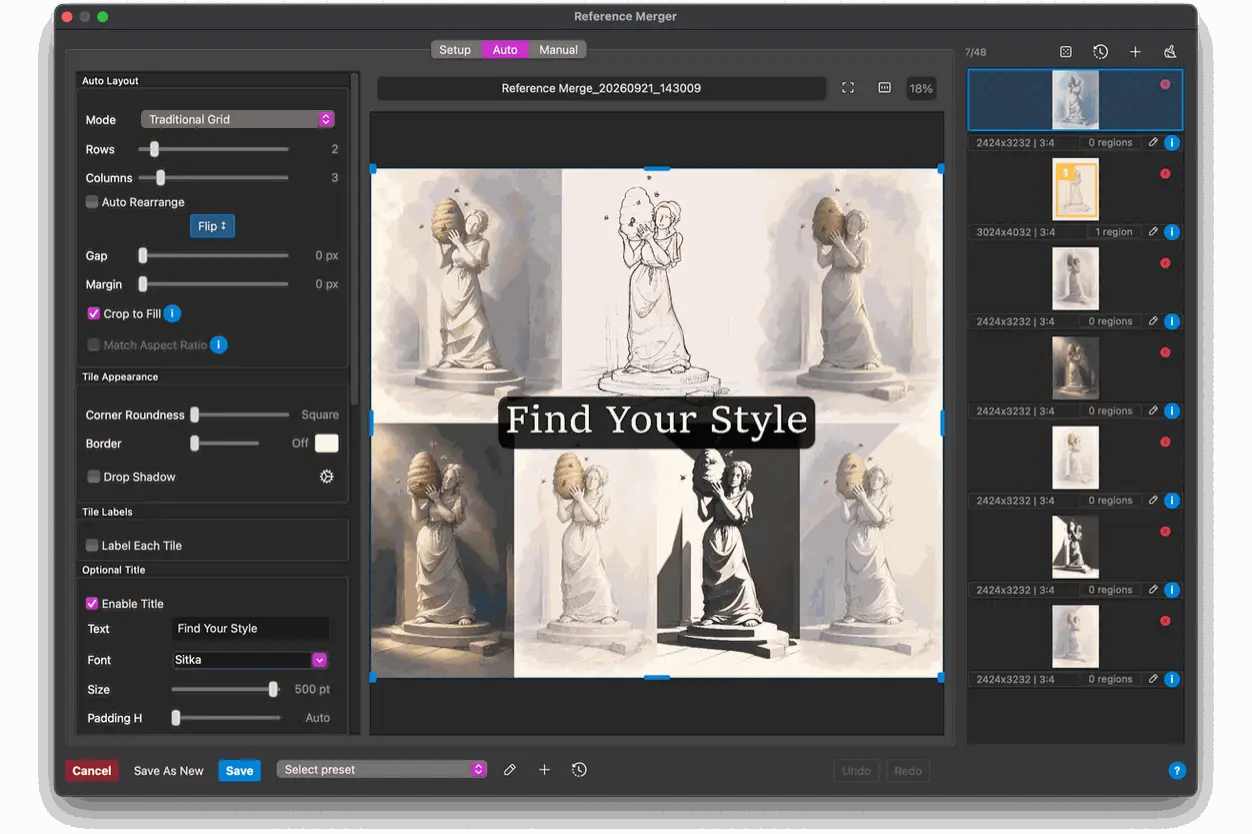
Explore one subject in many styles and compare them together on a single reference sheet.
Advanced Edit
Detailed edits on very large images
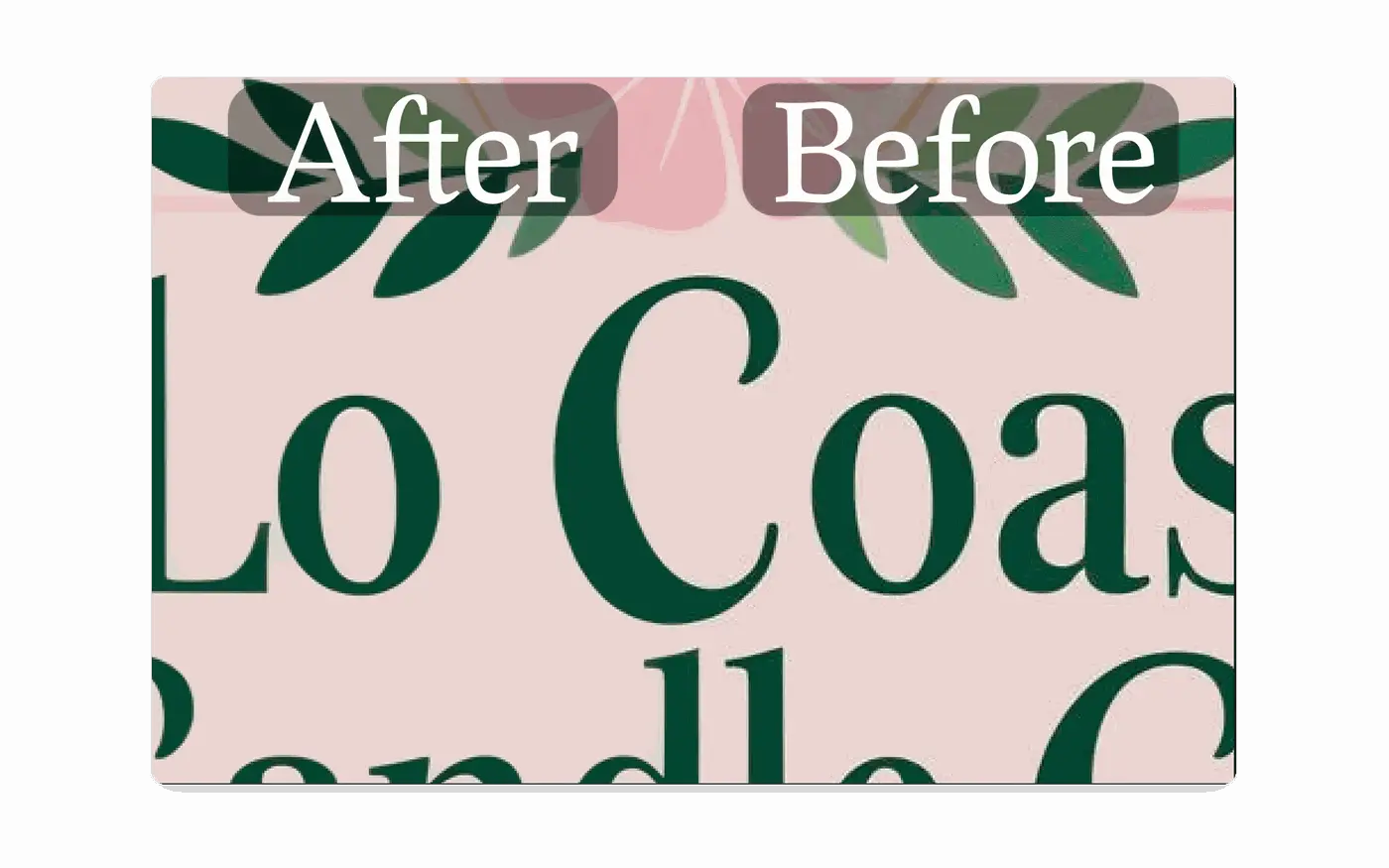
Most image models limit how many pixels they can edit at once. Advanced Edit works on a large image one tile at a time, so you can make precise changes to a 4K scene without shrinking it first.
Pick any region and edit it at the model's full detail
Remembers each model's real tile size, plus Advanced Scaling for consistent results
Choose the edit model and tile settings for every pass

On-device AI
Private AI editing that runs on your computer
Pro adds 21 AI models that run locally. Clean up images without uploading them to a cloud provider and without paying per image.
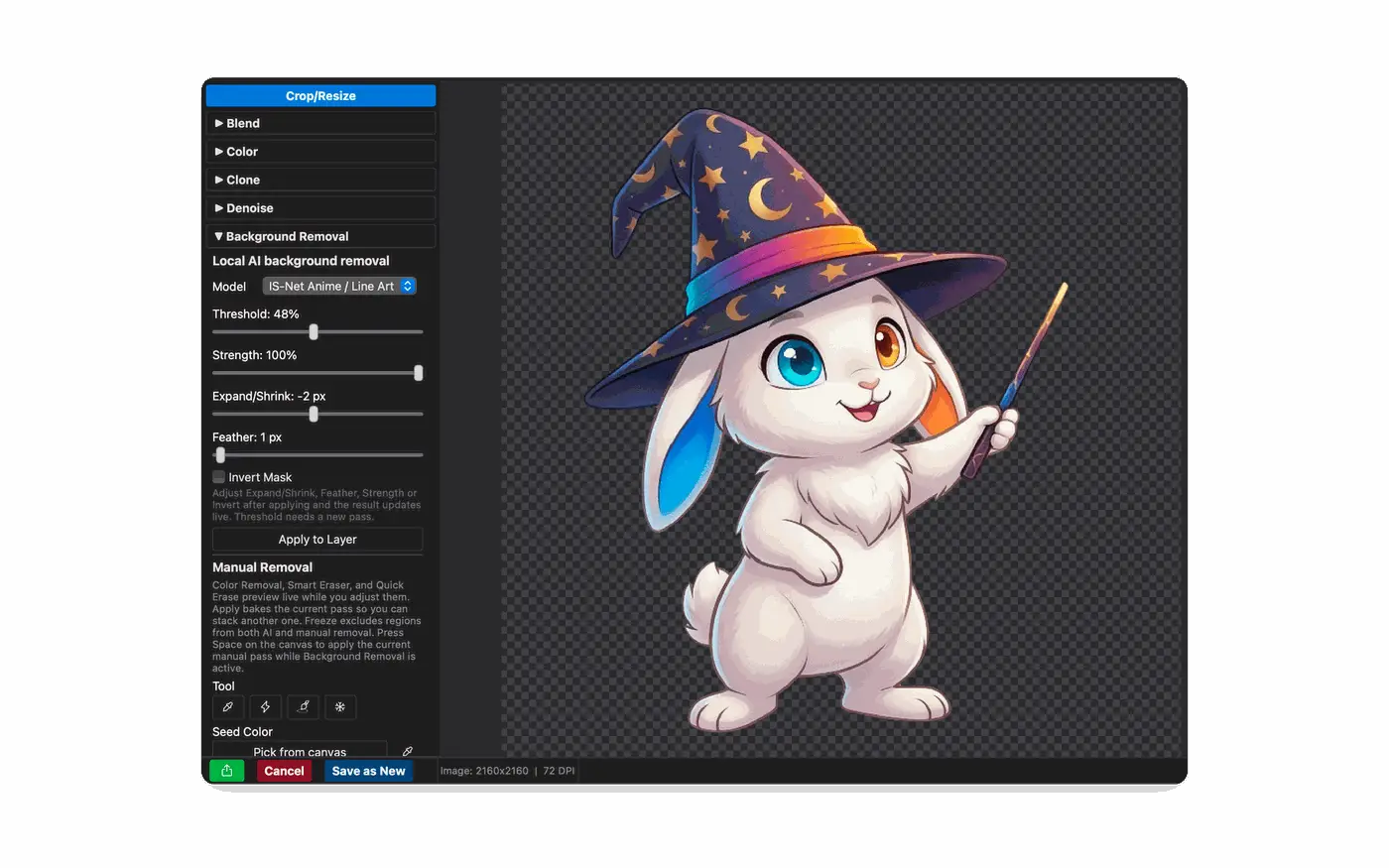
Background removal with 7 local models, including one tuned for anime and line art
AI-assisted selection with EfficientViT-SAM and SAM 2.1, running locally
Local AI denoise and in-editor classic denoise, plus local AI upscaling up to 4x
A Liquefy tool for reshaping details by hand
Reform
Resize by recomposing, not cropping
When a wide image needs to become a tall Instagram post or a banner, Reform uses AI to rebuild the layout for the new size instead of cutting off your subject.
Queue several platforms and sizes and run them together
Choose exactly where the original lands in the new frame
Batch custom-size generation for exact pixel dimensions
AI text assist
Real, editable type from a single description
Describe the flyer, ad or banner you need. The AI text assist places real text layers in your fonts, so you can still change every word, size and color afterward.
Real text layers, not letters baked into pixels
Choose which fonts the AI is allowed to use
Fine-tune any layer by hand in the same editor
Organization
A library that organizes itself
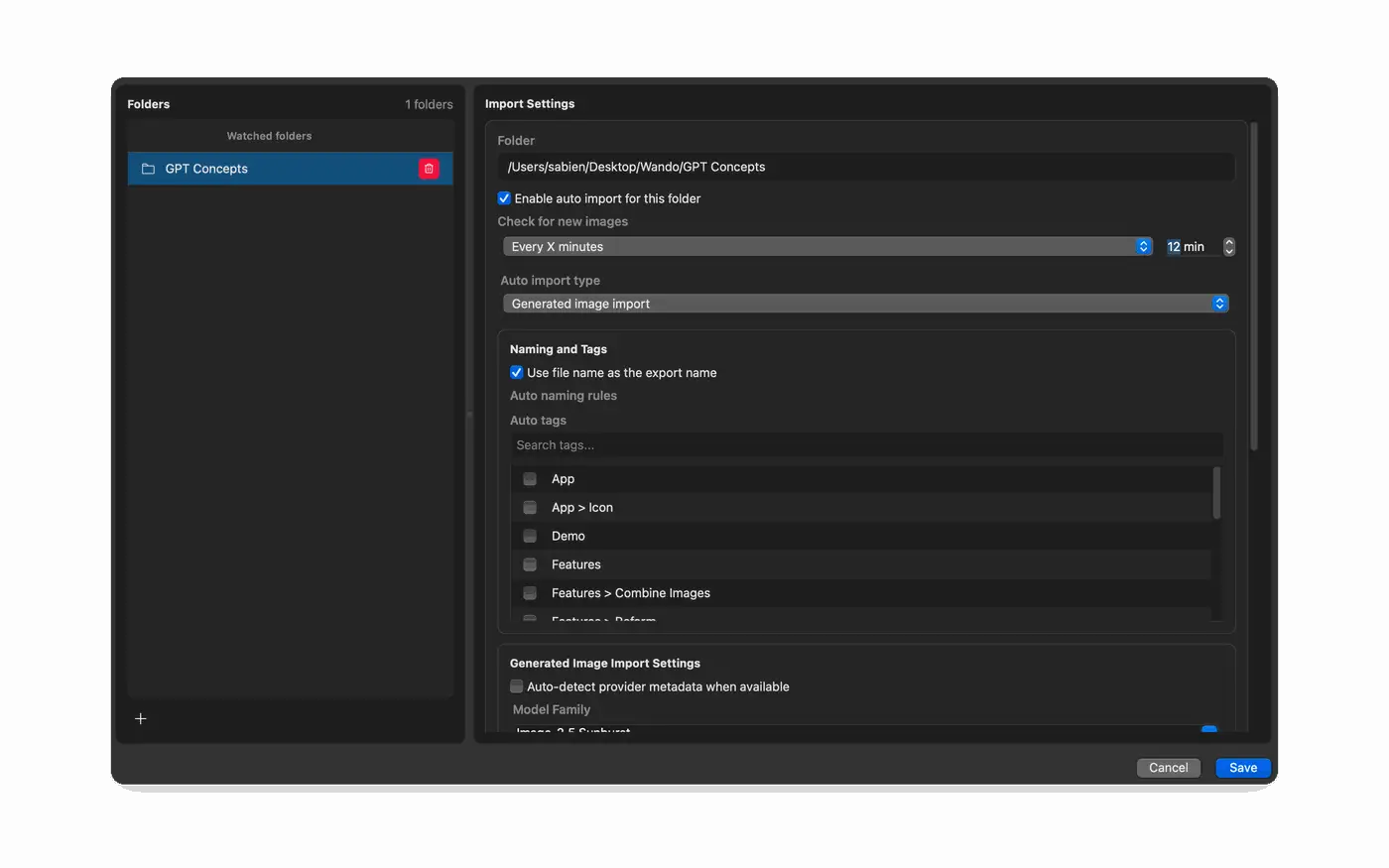
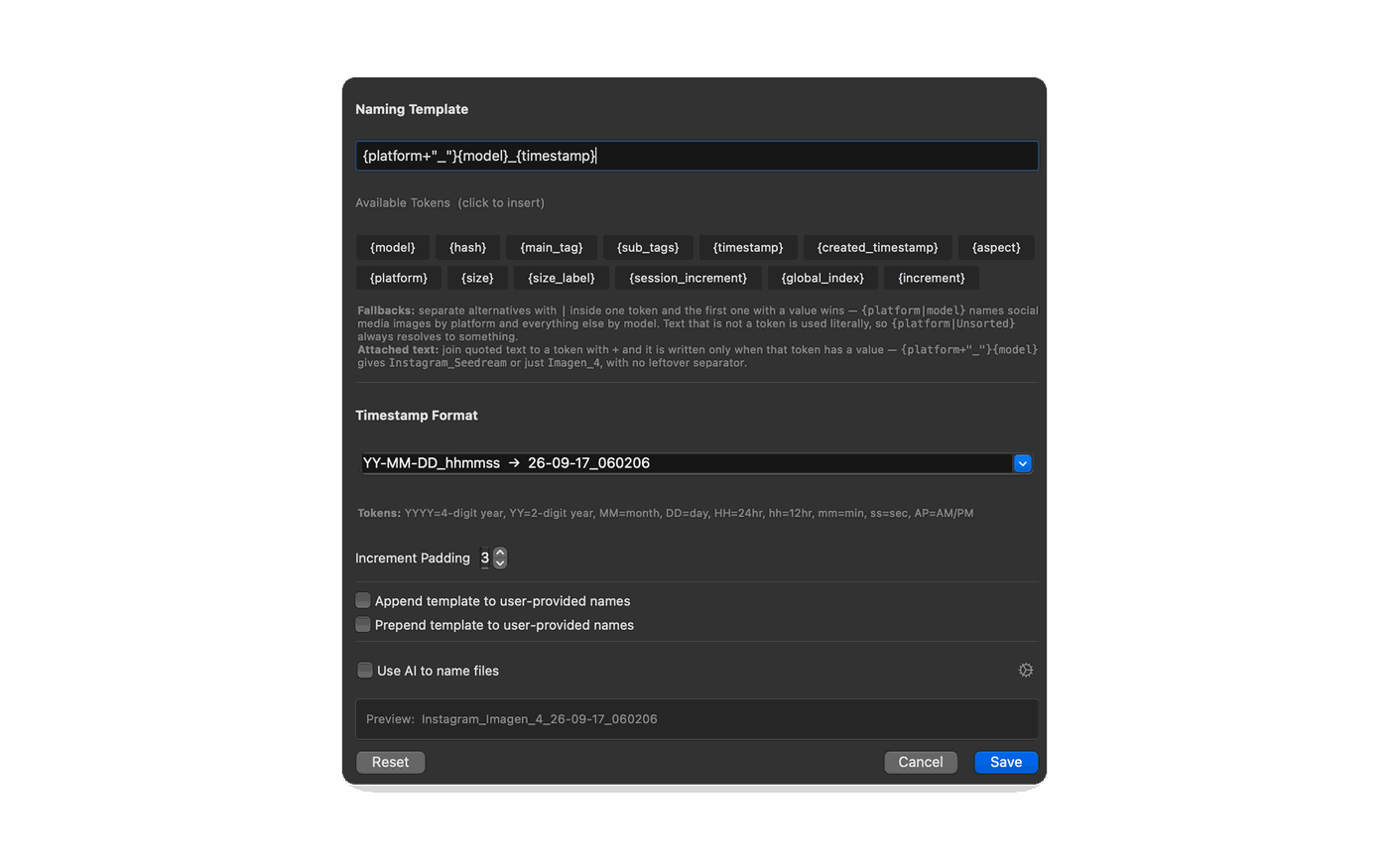
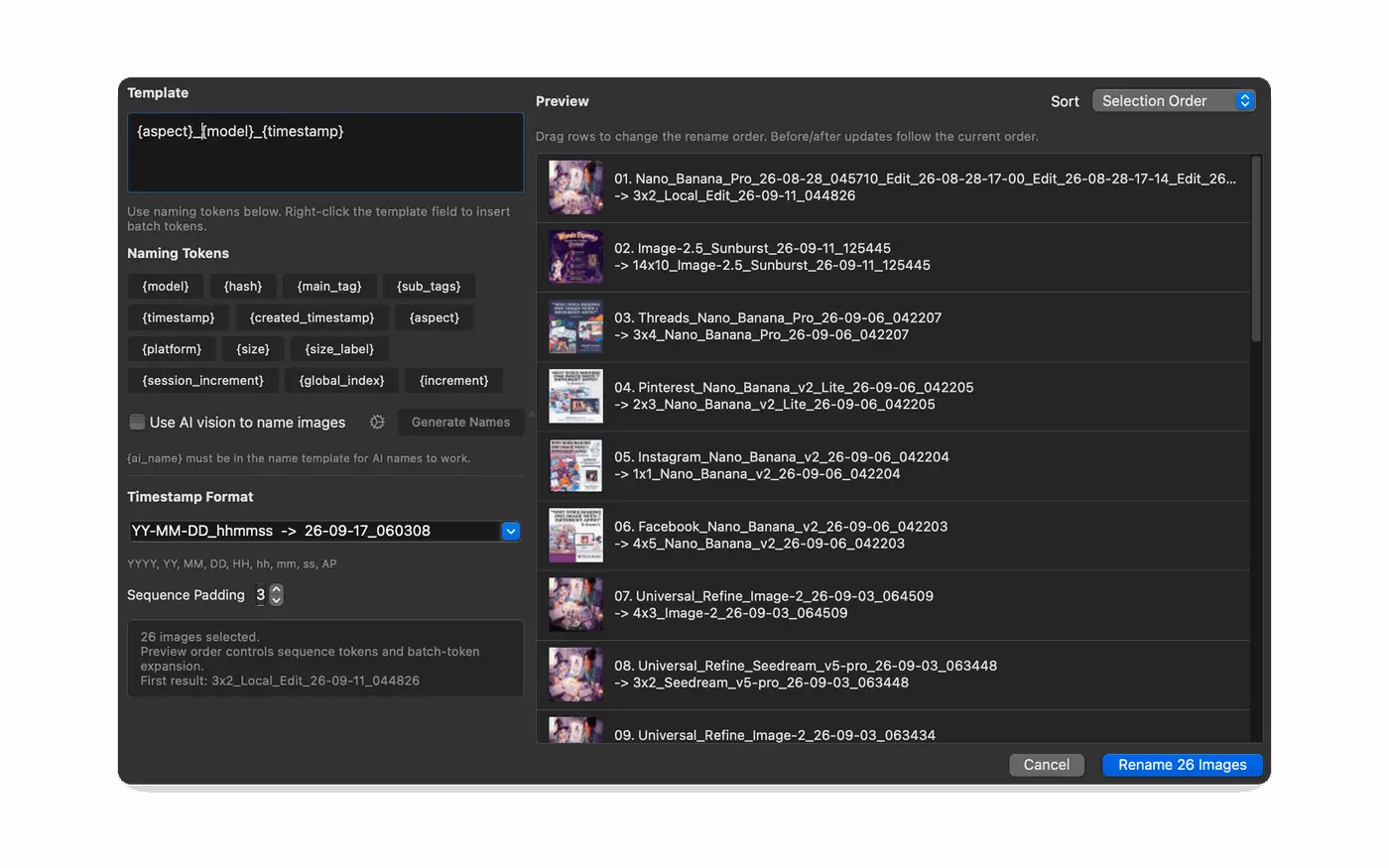
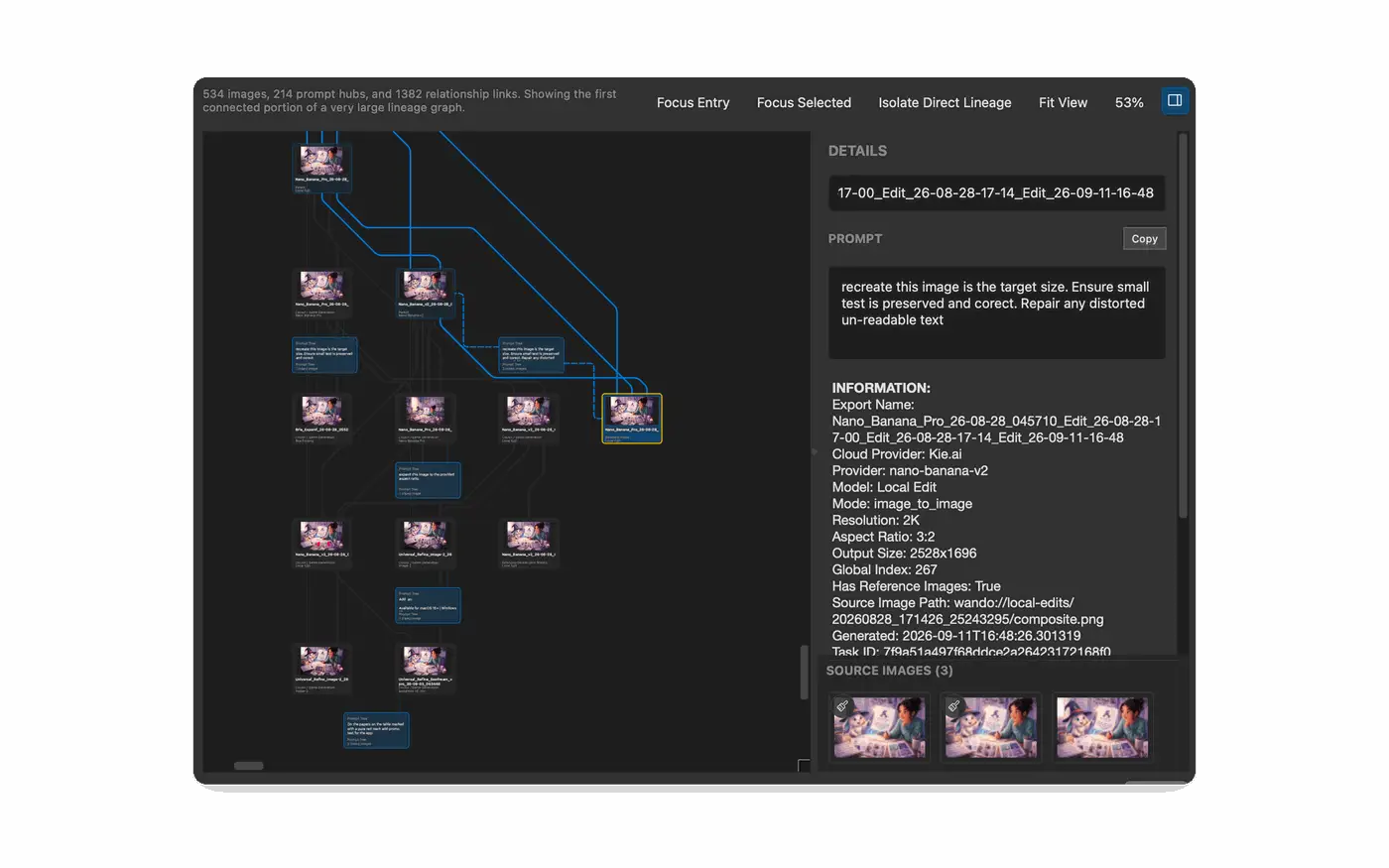
As your image count grows, Wando handles the busywork: new files come in automatically, get sensible names, and keep their full history.
Auto Import watches folders and brings in new images on a schedule
Naming templates and bulk rename, with optional AI-generated names
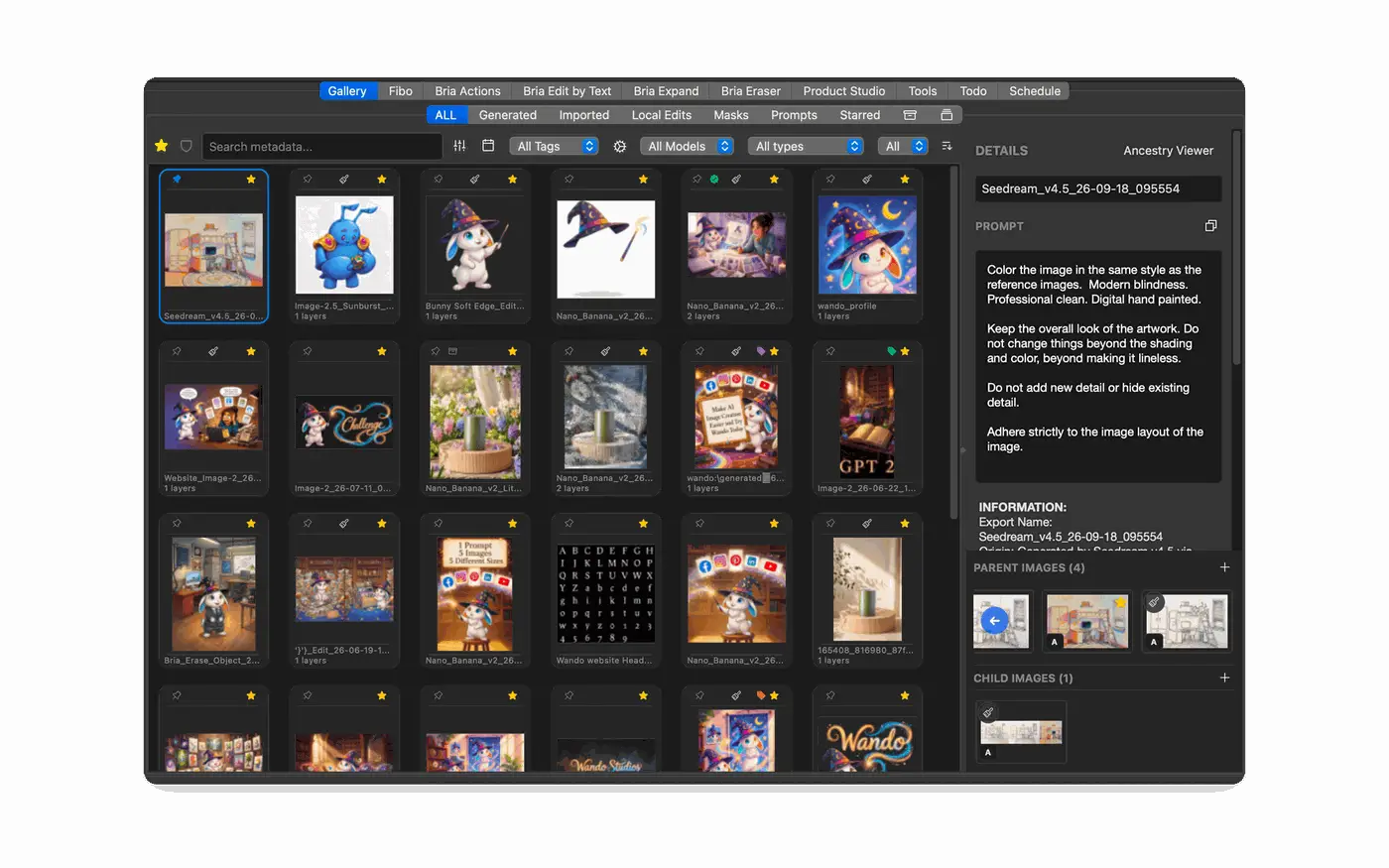
Ancestry viewers trace every image back through its edits and references
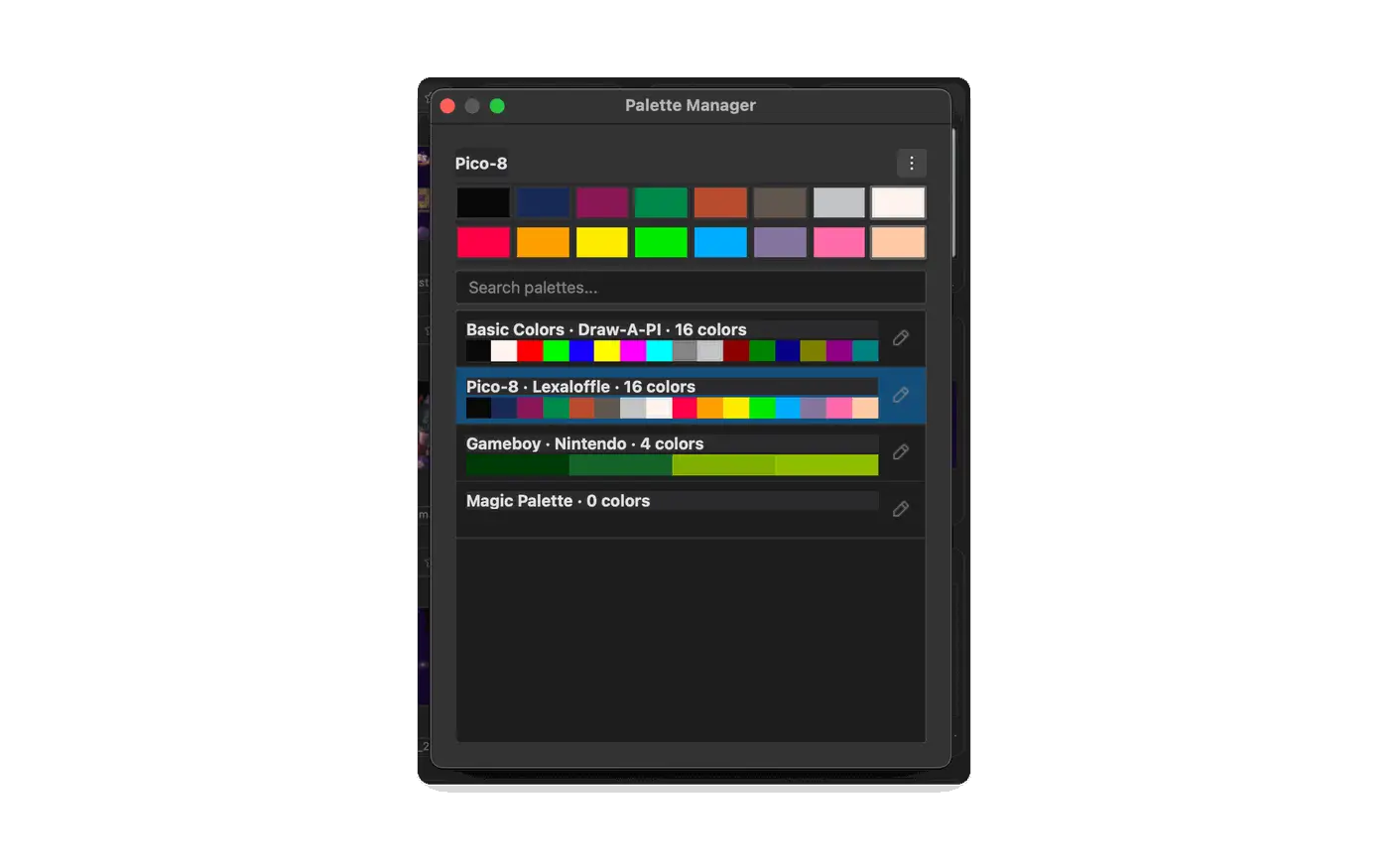
A palette manager for saving and reusing brand colors
Customization
Make Wando fit the way you work
Put the tools you reach for most one click away, and keep an eye on what your AI work costs.
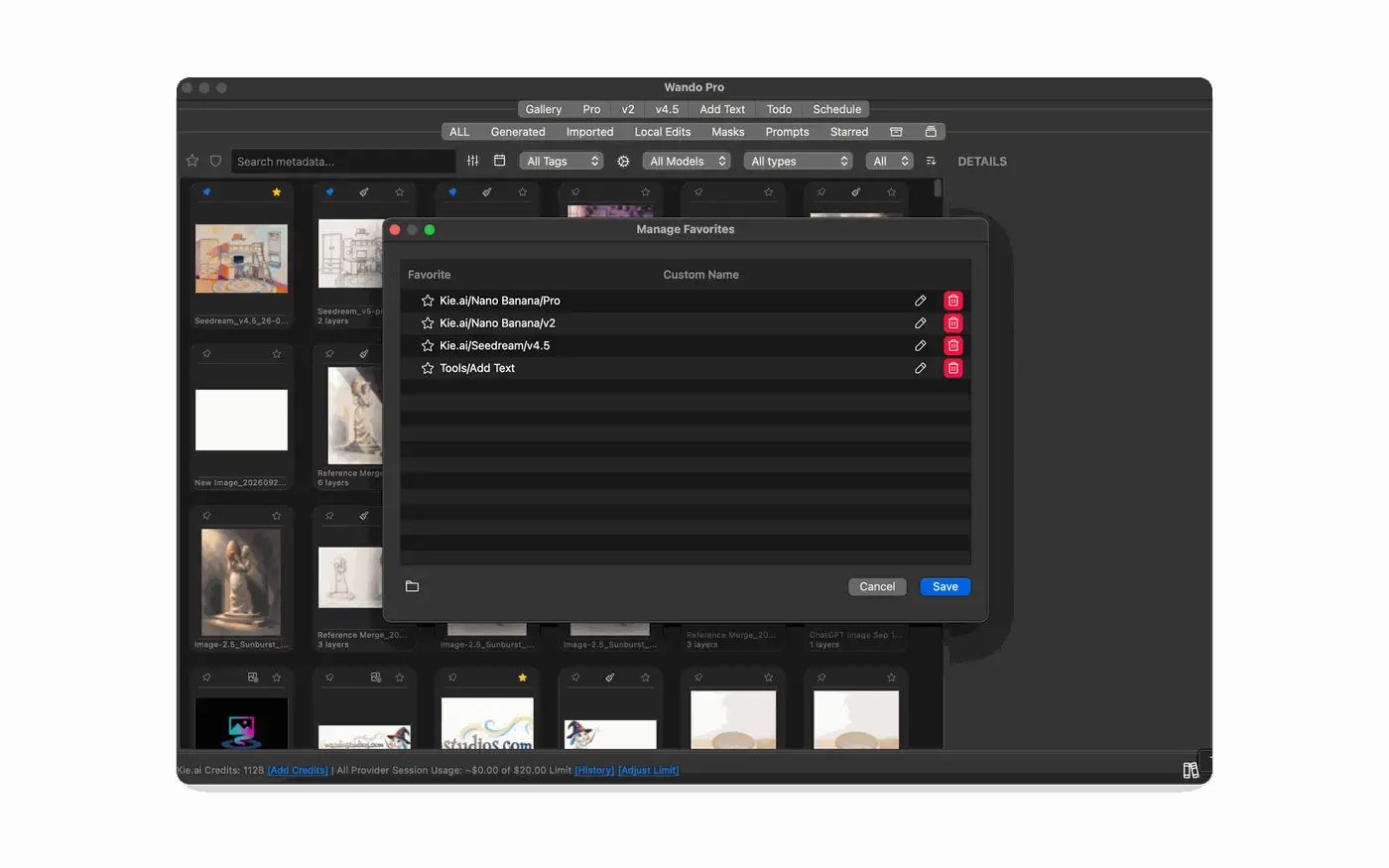
Pin favorite models and tools as tabs, with your own names
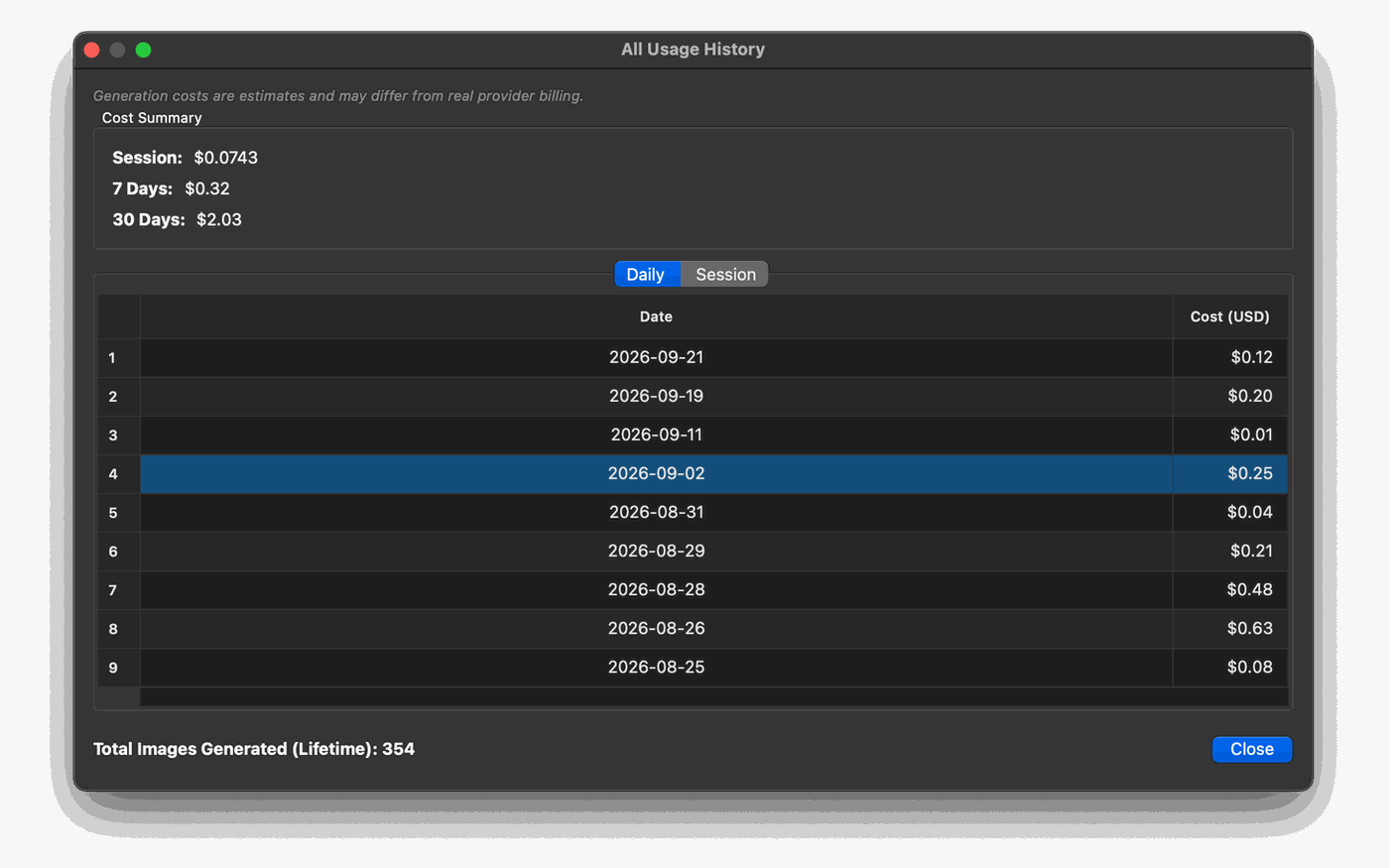
Usage tracking across all 11 providers (Express tracks its 4), with estimated costs per session, per day and over 30 days
Included with Pro
Everything in Express comes standard
Pro builds on the complete Express toolkit, including Reform, Auto Import, bulk renaming and the ancestry viewer, so you never give anything up.
Smart gallery
Search by prompt, model, tag, date and more.
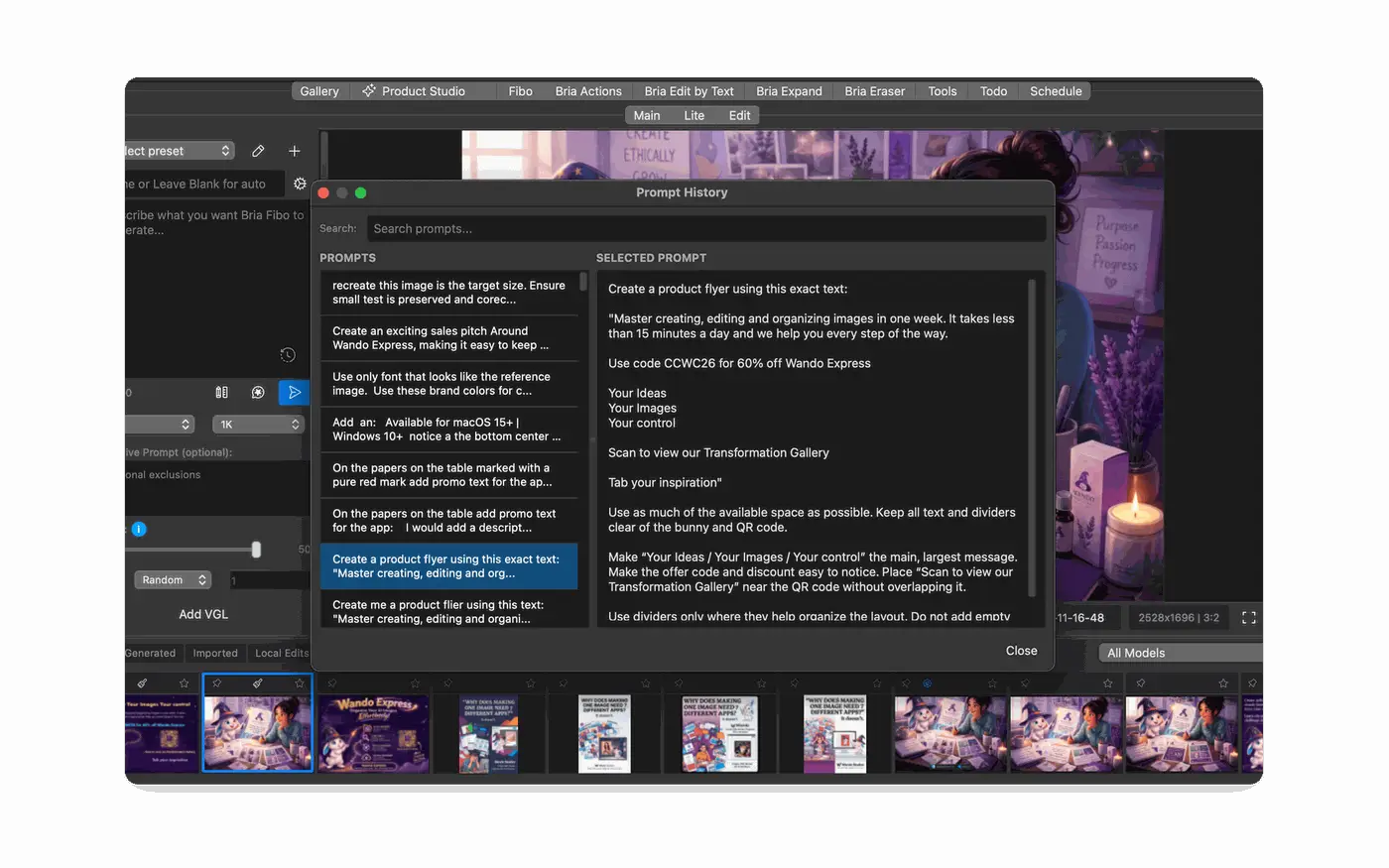
Prompt history
Every prompt and edit is saved with its image.
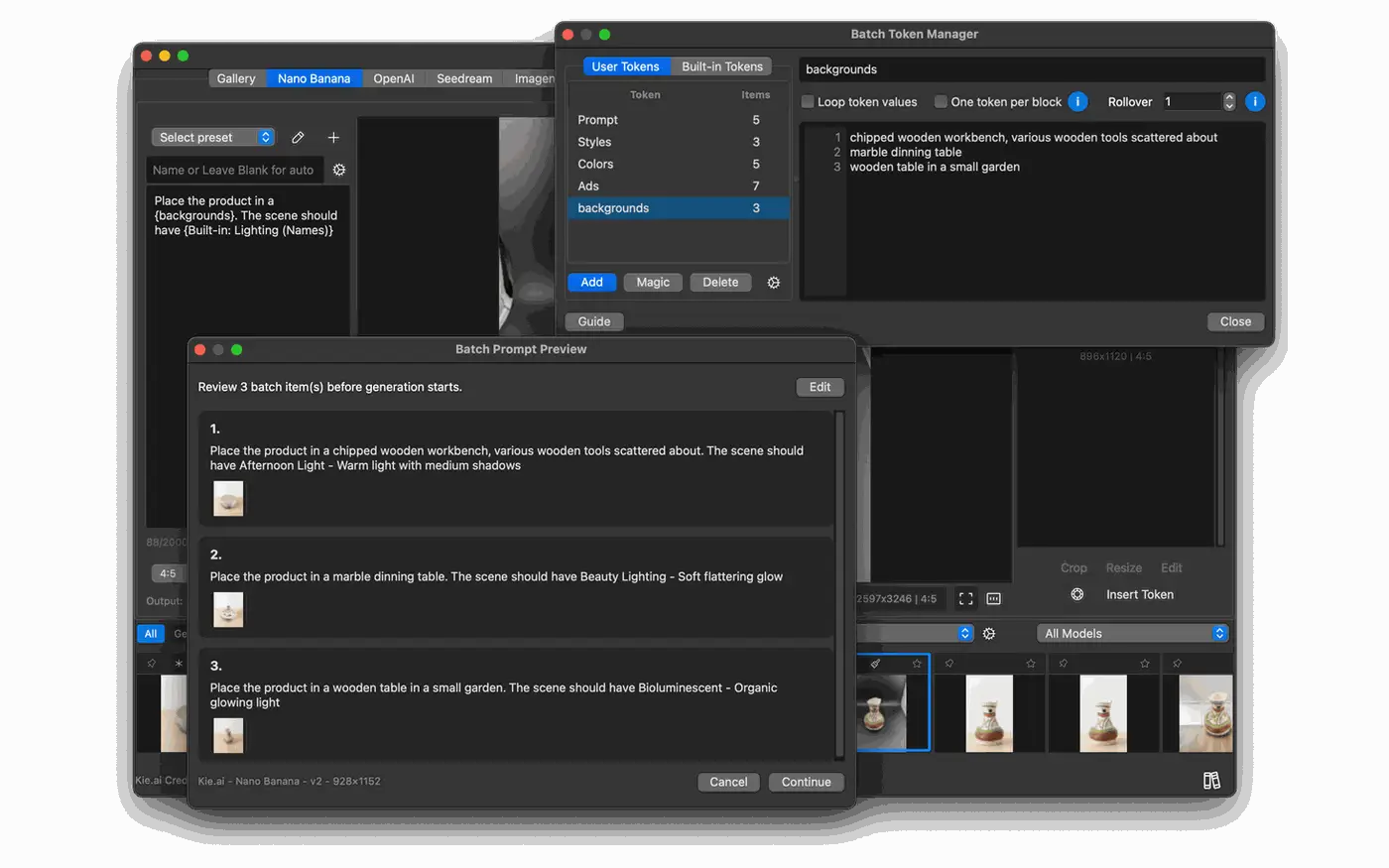
Token batch mode
Generate many consistent variations from one prompt.
Full image editor
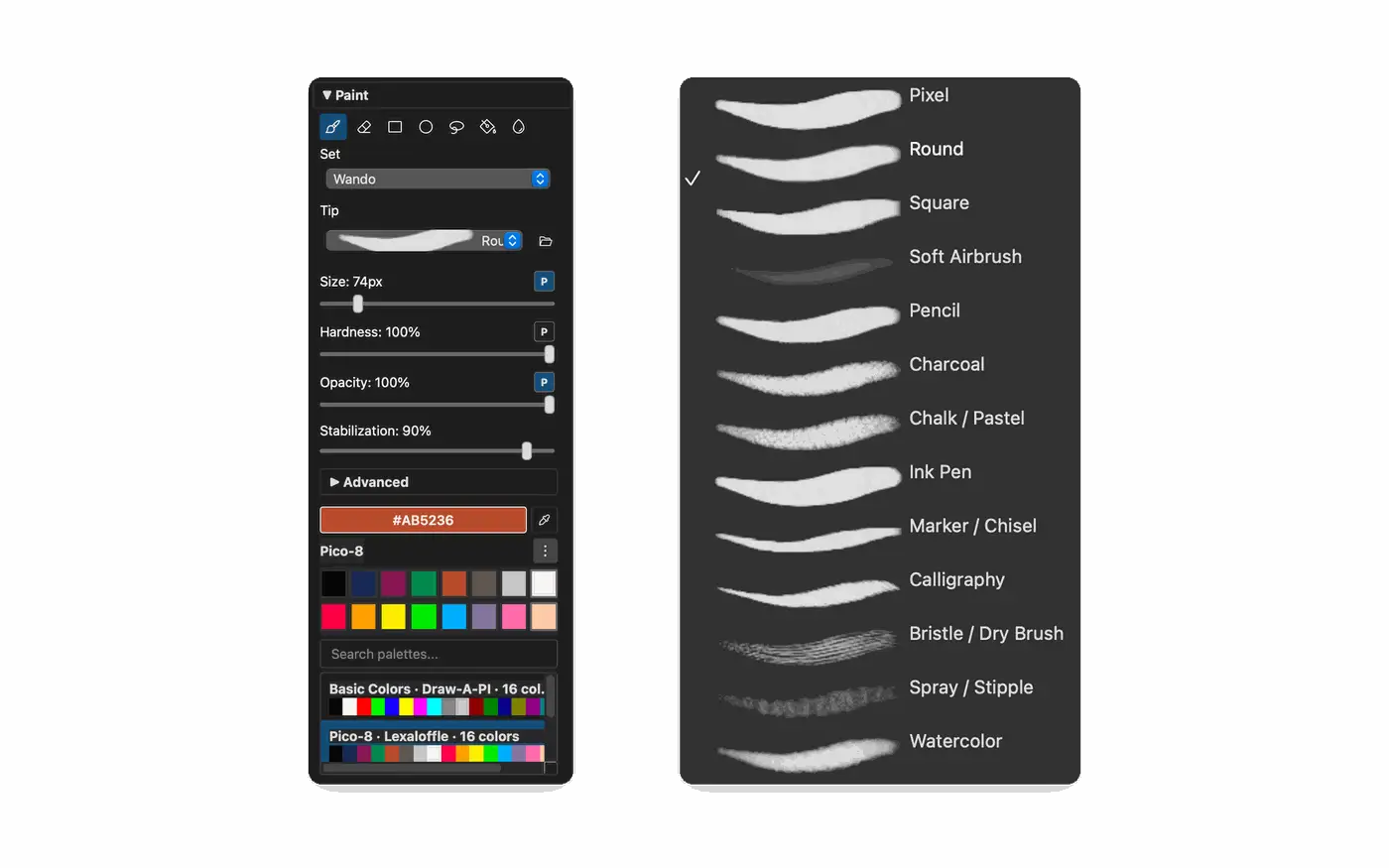
Masks, clone, paint, text, color and transform.
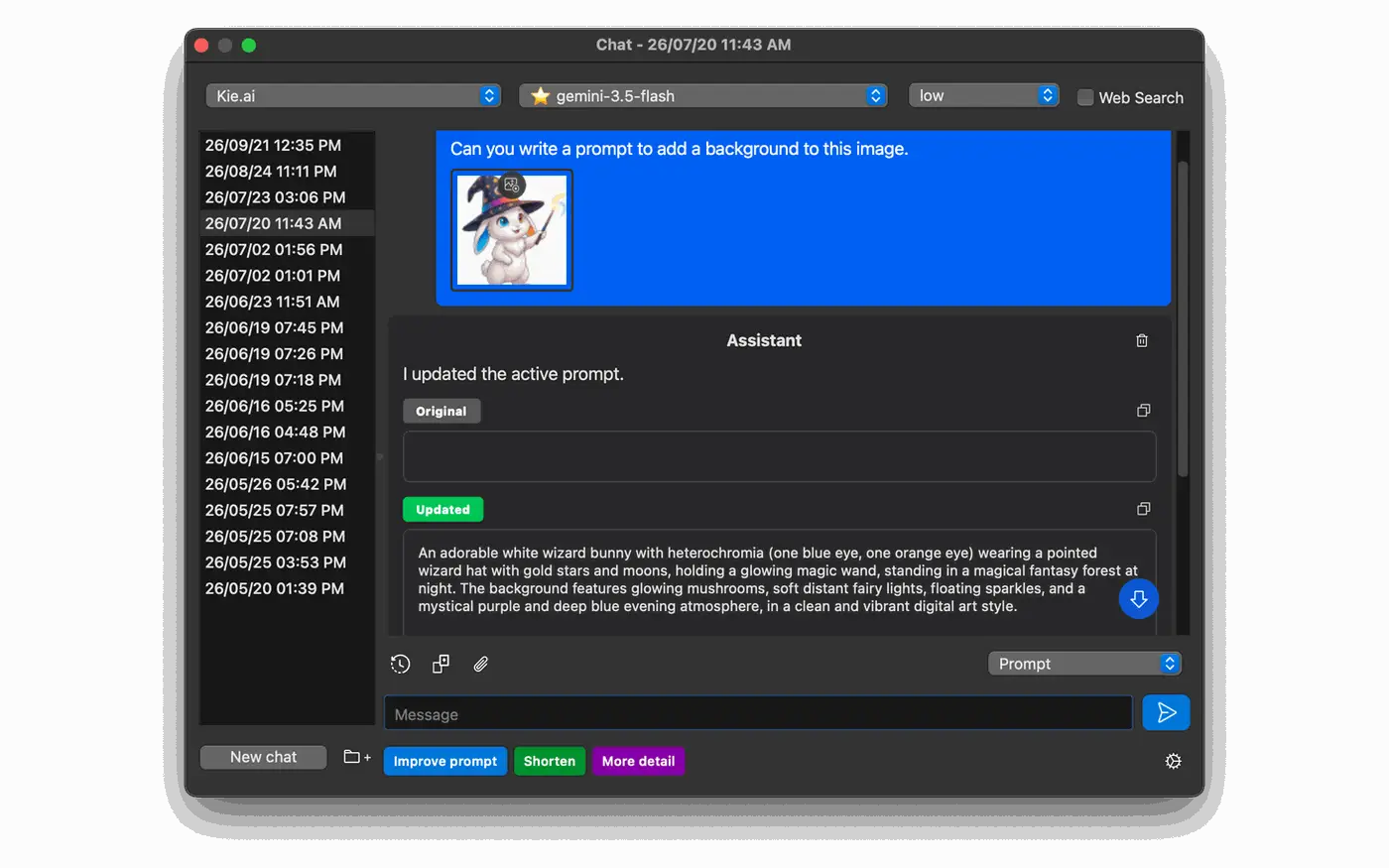
Magic Chat
Improve, shorten or expand prompts with AI.
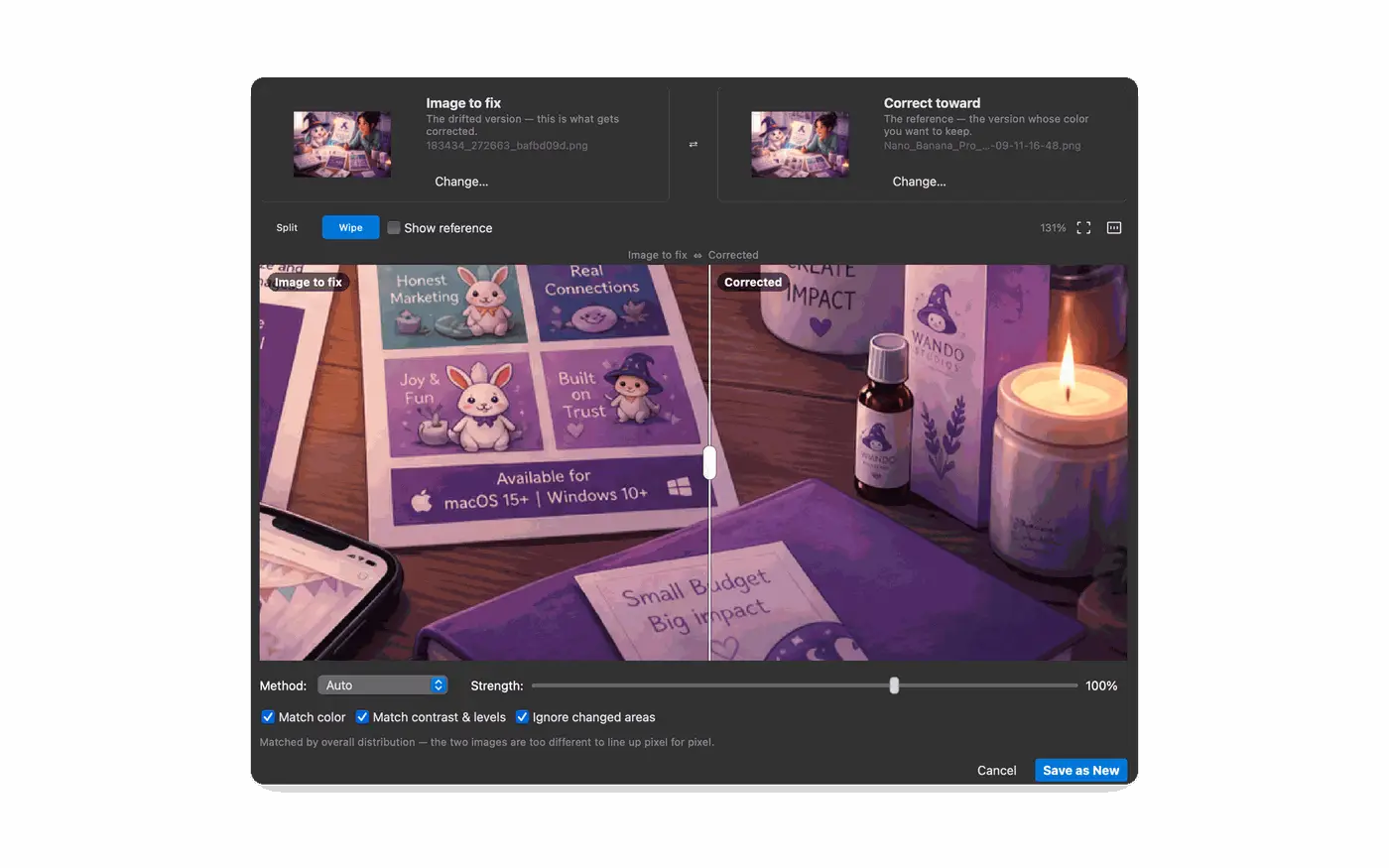
Reference helpers
Font, color and markup references, plus a merger.
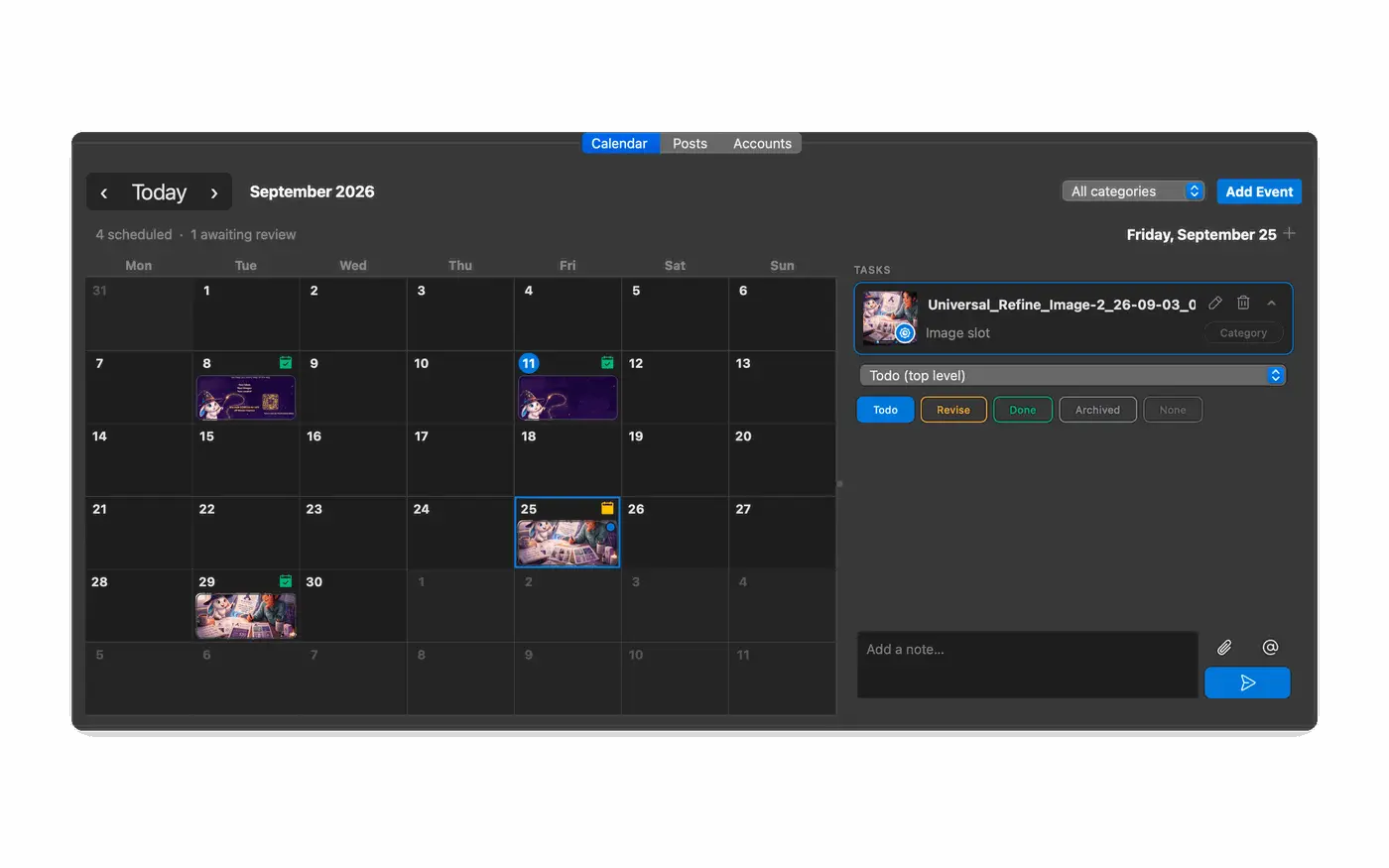
Todo and scheduling
Plan work, review images and schedule posts.
Shared workspaces
Local, synced or network workspaces for teams.
Pricing
Own Wando outright, or pay month to month
No subscription is required. You bring your own AI provider keys and pay those providers directly for what you use.
One-time
Express
The essentials for creating and organizing
$49.99
One-time purchase, perpetual 1.x license
4 AI providers and 13 unique models
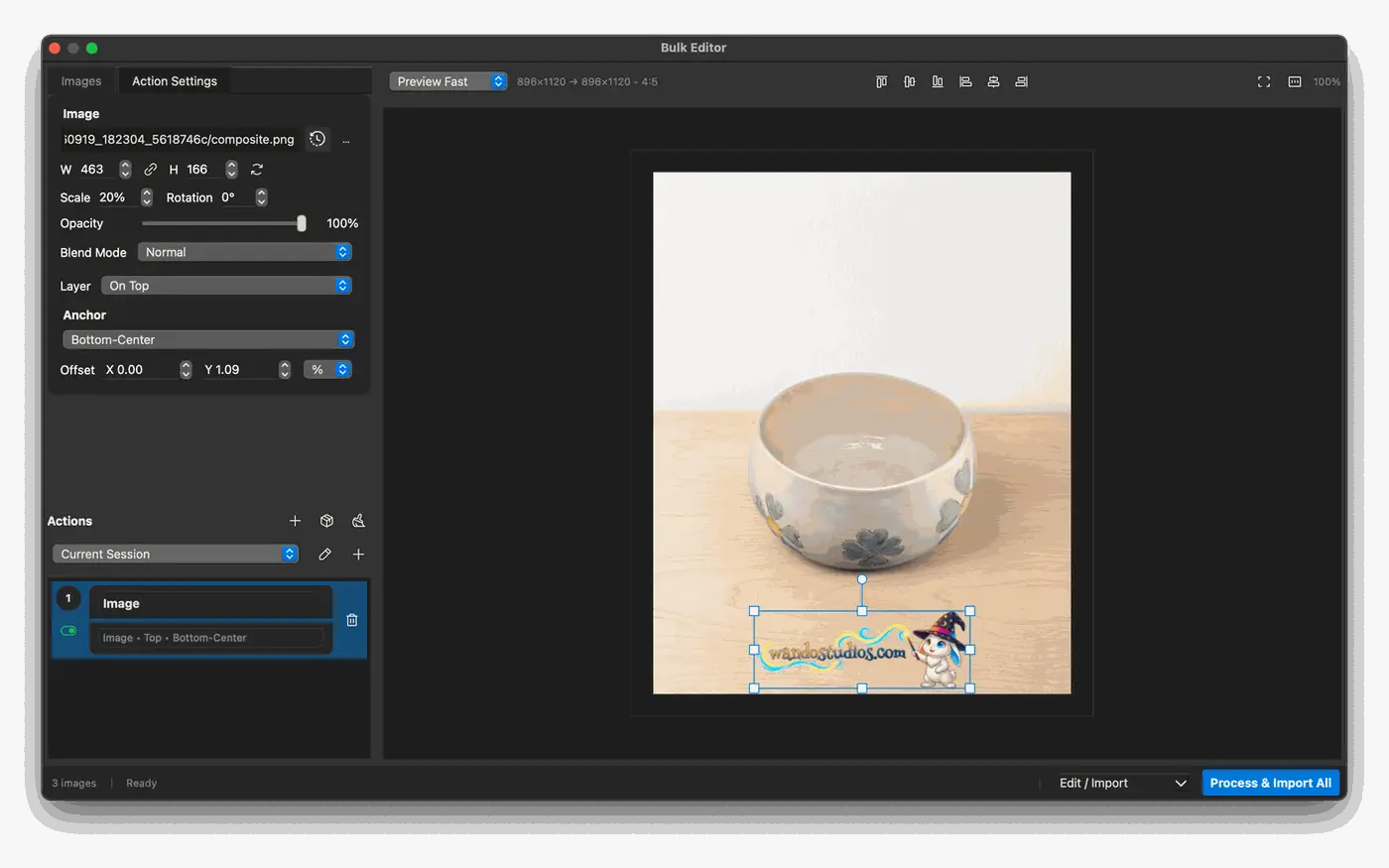
Full image editor and batch tools
Gallery, workspaces and prompt history
Most complete
Pro
Every provider, model and power tool
$149.99
One-time purchase, perpetual 1.x license
Everything in Express
11 AI providers and 80+ unique models
Multi-Edit, Multi-Gen and Advanced Edit
21 on-device AI models
AI text assist and cloud layer splitting
Monthly
Monthly
Express or Pro, billed monthly
$7.99
Per month, pay as you go
Covers Wando Express and Wando Pro
Lower upfront cost
Your images stay on your computer
Windows 10/11 and macOS 15+
Upgrade from Express through Gumroad
Compare plans
Express and Pro, feature by feature
Open any provider to see every model it includes. Models marked in gold are also available in Express.
Questions
Wando Pro questions, answered
Straight answers about licensing, upgrades and how Pro handles your images.
No. Wando Pro is a one-time purchase of $149.99 for a perpetual 1.x license. If you would rather spread the cost out, the $7.99 monthly plan covers both Wando Express and Wando Pro.
Yes. Wando is sold through Gumroad, and Express customers can upgrade to Pro there whenever they are ready.
Yes. Wando uses your own API keys, so you pay providers such as Kie.ai, OpenAI or Google directly for what you generate. The free onboarding session can walk you through setting up each key.
Wando Pro runs on Windows 10 and 11, and on macOS 15 or later.
Background removal, object removal, AI-assisted selection, denoise, upscaling and gallery visual search run on your own computer using 21 local AI models, so those images are not sent to a cloud provider and there is no per-image charge.
Wando is local-first. Your images, prompts and history live in workspaces on your computer, or in a synced or network folder that you choose.
Every purchase has a 14-day money-back guarantee. You can also book a free onboarding session or join the free weekly workshop before you decide.
Ready to work at Pro speed?
Get every provider, every model and every Pro tool for a one-time $149.99, backed by a 14-day money-back guarantee.
Windows 10/11 and macOS 15+. Your images and prompts stay on your computer.
Based in California